LinkedIn Games turn a quick coffee break into a small mental workout. Instead of scrolling the feed, you solve a short puzzle, check a leaderboard, and get back to work. Some users make them a daily habit, while others skip them entirely. Either way, the feature has become hard to ignore on the platform, and plenty of professionals want to know what it actually offers.
This guide explains what the games are, how each of the seven puzzles works, and where to find them. You will also learn when new puzzles drop, how guest mode works, and what supporters and critics say. By the end, you will know whether LinkedIn Games deserve a place in your daily routine or are better left alone.
What Are LinkedIn Games?
LinkedIn Games is a dedicated hub of daily mini-puzzles built directly into the LinkedIn Games Platform. Each puzzle takes about five minutes, so you can finish one between meetings. The games mostly lean on logic, vocabulary, and pattern recognition. LinkedIn positions them as quick cognitive reactivation tools, a short brain break that helps you reset before the next task on your list.
The social layer sets this feature apart from standalone puzzle apps. You can compare results with your connections and see company leaderboards, which makes each puzzle a small shared event. That shared context gives colleagues, classmates, and peers an easy reason to talk. Because the games sit inside a professional network, a puzzle result can open a conversation that a standard message might never start.
The 7 Daily LinkedIn Games Explained
Seven puzzles make up the current lineup, and each one trains a different skill. Some reward careful logic, while others test vocabulary or spatial thinking. You do not need to play all of them. Many players might pick two or three favorites and rotate the rest. The table below gives you a fast comparison, so you can choose the puzzle that fits your mood and your schedule.
| Game | Type | What You Do | Main Skill |
|---|---|---|---|
| Queens | Logic | Place one queen in each row, column, and colored region without touching | Deduction |
| Pinpoint | Word association | Find the category that links a set of words | Vocabulary |
| Crossclimb | Trivia word ladder | Shift letters to arrange words and climb to the top | Wordplay |
| Tango | Grid logic | Use emojis to build a balanced, harmonious grid | Pattern balance |
| Zip | Path-finding | Connect numbers in order to fill the entire grid | Planning |
| Mini Sudoku | Number placement | Solve a compact version of classic Sudoku | Number logic |
| Patches | Spatial logic | Complete shapes and match patterns | Spatial reasoning |
Beginners often start with Mini Sudoku or Zip because the goals are easy to grasp. Queens rewards patience, since one wrong placement can ripple across the board. Pinpoint and Crossclimb suit word lovers who enjoy trivia and clever connections. Tango and Patches feel fresh if you enjoy visual puzzles. Try one new game each week, and you will quickly find the LinkedIn Games that match your thinking style.
How to Find and Play LinkedIn Games
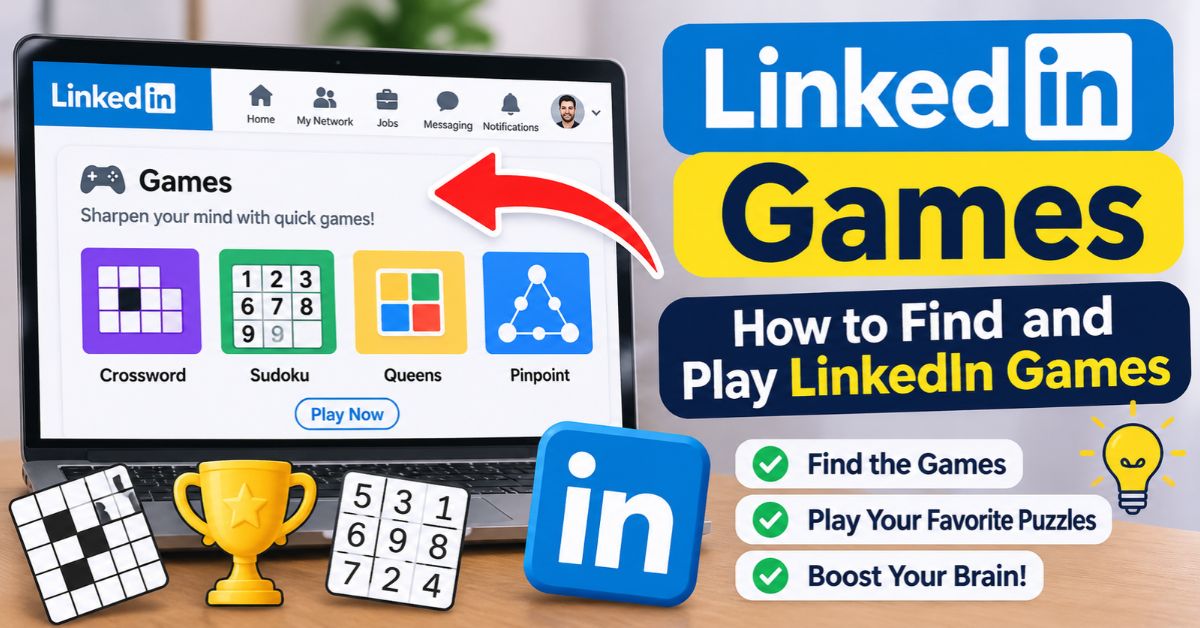
Finding LinkedIn Games takes less than a minute. You can reach the puzzles in three simple ways once you are logged in. Each route leads to the same hub, so pick whichever feels fastest. The search bar is the quickest option. The My Network tab suits people who browse connections anyway. The news pane keeps the games visible on your desktop homepage. Here are the steps.
- Type “games” into the main search bar and open the games hub.
- Open the My Network tab and look for the “Stay in touch through daily games” module.
- Check the LinkedIn News pane on the right side of your desktop homepage.
- Pick a puzzle and start playing.
Can You Play Without a Profile?
You do not need an active profile to play. LinkedIn offers a guest mode that lets visitors open the daily puzzles without signing in, and the LinkedIn Guest Mode Guide walks you through it. This helps if you want to try a puzzle before committing. Social features like connection and company leaderboards work best with a network, so create a profile if you want to compete.
When Does a New LinkedIn Games Puzzle Drop?
A new puzzle for each game drops every day at midnight Pacific Time. That timing matters if you live outside the West Coast. In the Eastern time zone, new puzzles appear at 3 a.m. Most players will see them first thing in the morning anyway. Pick a simple routine, such as solving one puzzle right after you open your laptop, so the habit sticks.
Leaderboards add a light competitive edge. You can compare your results with connections, and you can see how colleagues at your company are doing. Nobody needs to take the rankings seriously. They simply give you a reason to check in, tease a teammate, or congratulate a former coworker. For some users, that friendly nudge may be the main appeal of LinkedIn Games over a solo puzzle app.
Why Professionals Play: Benefits Beyond the Puzzle

The biggest benefit is a mental reset. A five-minute puzzle pulls your attention away from email and gives your brain a different kind of work. Logic and word games can feel refreshing after a long stretch of meetings. Think of the break as a small cognitive warm-up. You may return to your tasks with a clearer head and a little momentum.
The second benefit is networking. Shared puzzles make easy icebreakers, especially with people you rarely talk to. A message like “Did you get today’s Queens?” takes ten seconds to send and invites a real reply. You can also use results to reconnect with old colleagues or warm up a new contact before a meeting. Small, low-pressure moments like these often build stronger professional relationships over time.
Are LinkedIn Games a Distraction or a Smart Break?
Opinions on LinkedIn differ. Some users argue that games are a distraction that waters down a professional brand. They worry that a social feed full of puzzle results shifts attention away from career content. That concern deserves a fair hearing, especially in workplaces where time is tight and focus matters. If puzzles crowd out real work, the critics have a point.
Supporters see it differently. They value the games for stress relief and as a novel icebreaker for starting conversations with connections who play the same puzzles. Used in moderation, a five-minute puzzle looks no different from a coffee break. The sensible approach is simple: play on your own schedule, keep it short, and let the games support your network rather than replace your real work.
| Viewpoint | Main Argument | Practical Takeaway |
|---|---|---|
| Critics | Games distract and weaken a professional image | Limit play to short, scheduled breaks |
| Supporters | Games relieve stress and spark conversations | Use results to start genuine chats |
Conclusion
LinkedIn Games give you seven short puzzles: Queens, Pinpoint, Crossclimb, Tango, Zip, Mini Sudoku, and Patches. A new set drops every day at midnight Pacific Time, and each puzzle takes about five minutes. You can find them through the search bar, the My Network tab, or the News pane. Guest mode also lets you play without an active profile, which makes trying them easy.
The debate will continue. Critics call the games a distraction that hurts a professional brand, while fans value the stress relief and the easy icebreakers. The best approach is moderation. Pick one puzzle, play it during a natural break, and send a friendly note to a connection who plays too. Then decide for yourself whether LinkedIn Games earn a permanent spot in your routine.