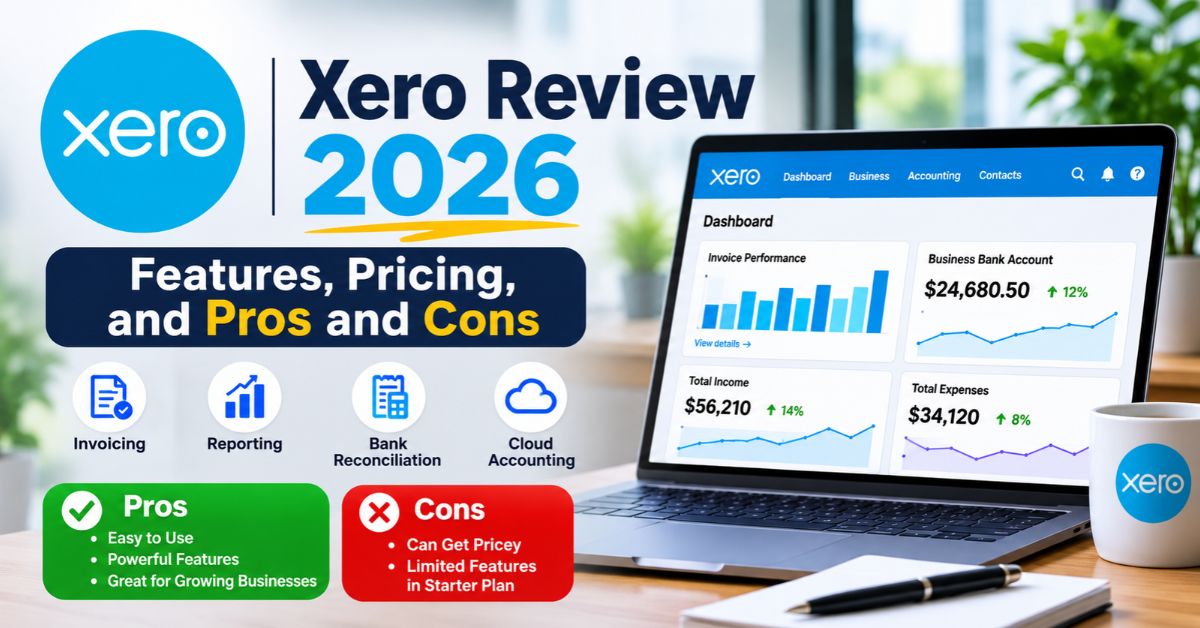
Running a small business means juggling invoices, bills, payroll, and tax deadlines, often at the same time. Many owners still do this with spreadsheets and shoebox receipts. That approach works for a while, then it breaks. Cloud accounting software fixes the problem by keeping every number in one place. Xero is one of the best-known options, and it has earned a loyal following among small teams worldwide.
This review explains what Xero does, how its features work, and what each pricing tier offers. You will also see how bank reconciliation works, how to set up your account, and where the platform falls short. Read on to decide whether it fits your business, your budget, and the way you already work with your accountant or bookkeeper. No jargon, just practical answers.
What Xero Is and Who Uses It
Xero is a cloud-based accounting platform built for small businesses, freelancers, and accounting professionals. Founders launched it in New Zealand in 2006, and it now serves more than 5 million subscribers worldwide. You log in from any browser or phone, so your books stay current wherever you work. There is no software to install and no files to send back and forth.
Most people who use Xero run service firms, retail shops, agencies, and trades. A bakery owner might send invoices from her phone between orders. A freelance designer might track expenses without a spreadsheet. Bookkeepers like it too, because clients can invite them into the same file. That shared access cuts email chains and keeps everyone looking at the same numbers in real time.
Core Xero Features That Save Time
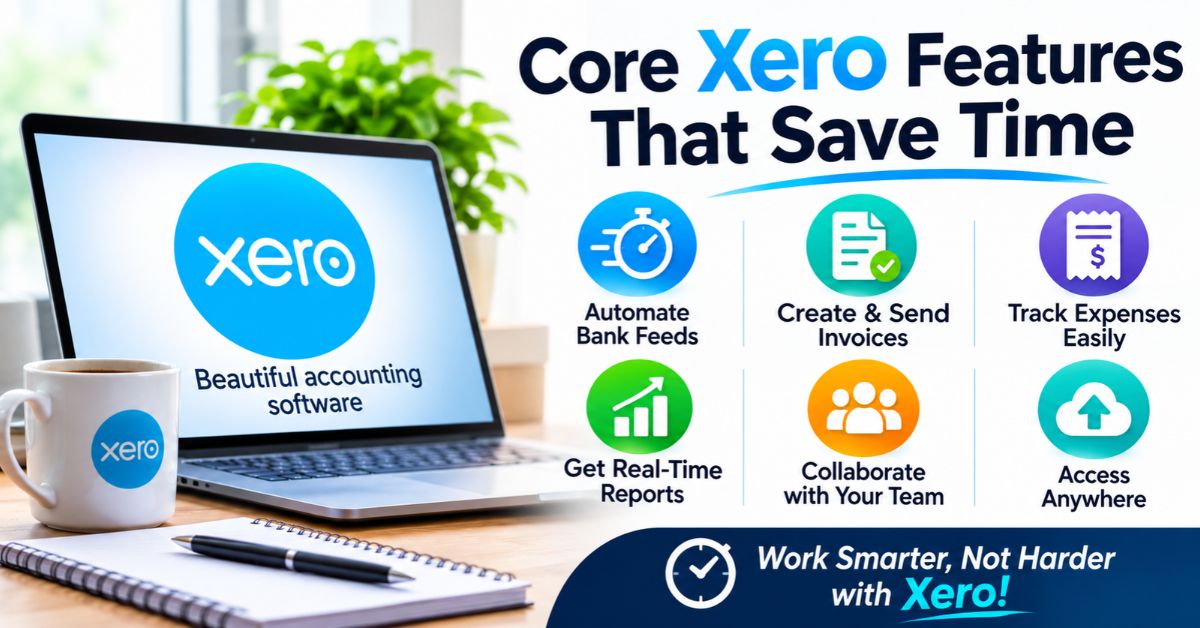
The platform covers the daily jobs that eat up a small business owner’s week. You can send invoices and quotes, pay bills, track expenses, run payroll, and view cash flow reports. Everything feeds one ledger, so a sale or payment shows up in your reports right away. That real-time view helps you spot a cash crunch before it turns into a problem.
It also works as a hub rather than a rigid ERP system. It connects with more than 1,000 third-party apps, including inventory tools, CRM databases, point-of-sale systems, and multi-region tax compliance tools. You start with the basics and add apps as your business grows. That keeps costs lower than buying a heavy enterprise suite you may never fully use.
Here are the features most owners lean on first:
- Automated bank feeds and reconciliation
- Custom invoices and quotes, with Stripe or PayPal payment links
- Bill pay and accounts payable tracking
- The Xero Mobile App for work on the go
- Payroll for U.S. teams through Gusto
- Real-time financial reports
JAX, the AI Finance Assistant
JAX, short for Just Ask Xero, is the built-in generative AI assistant. You type or speak in plain language, such as “create an invoice for Maria for $450,” and JAX drafts it. It can also pull cash flow numbers and answer questions about your business analytics. Treat its output as a draft, and review it before you send anything to a customer.
How Xero Bank Reconciliation Works
Bank reconciliation is where this software saves the most time. Xero securely connects to your bank and streams transactions into your account each day. Its AI-powered matching then suggests how to code each one, and it auto-reconciles most standard transactions with high accuracy. You review the matches instead of typing every line by hand, which turns an hours-long chore into a quick check.
Speed does not replace oversight. Unusual payments, split transactions, and new vendors still need a human eye. Set a regular review window, such as every Friday morning, and clear your queue before it grows. Regular checks also make tax season easier, because your records already match your bank statements. Fewer surprises means lower fees from your accountant too.
Follow these steps to reconcile your first account:
- Connect your bank account from the dashboard and approve the secure feed.
- Wait for new transactions to appear in the bank feed.
- Review each suggested match for the right invoice, bill, or category.
- Select OK on correct matches, and code or split the rest.
- Create bank rules for repeat payments, such as software subscriptions.
Xero Pricing and Plans
Xero sells three core plans: Early, Growing, and Established. Each one targets a different stage of business. Prices and invoice limits change over time and vary by region, so check the official Xero pricing page before you buy. Most new users can also try the platform free for a limited period, which lets you test the workflow with real data.
Pick a plan based on volume, not hope. If you send only a handful of invoices each month, Early may be enough. If you invoice often and need full reconciliation, Growing is the usual fit. Businesses that bill in other currencies or track project time and expenses should look at Established. You can usually change plans later, so you are never locked in.
| Plan | Best for | What you get |
|---|---|---|
| Early | Freelancers and new sole traders | Capped monthly invoices and bills, plus basic data capture |
| Growing | Expanding small businesses | Unlimited invoicing, full bank reconciliation, and bill management |
| Established | Multi-department or global small businesses | Multi-currency support, project time tracking, and expense management |
How to Get Started With Xero
Setup takes under an hour for most small businesses. Start with a free trial, enter your business details, and connect your bank feed. Then import your contact list and opening balances. If you are moving from another tool or a spreadsheet, ask your accountant for the right conversion date so your books start clean. A tidy start prevents messy corrections later.
Video walkthroughs can speed things up. Metics Media on YouTube publishes beginner-friendly Xero tutorials that show how to set up your dashboard, connect bank accounts, and run daily tasks. Watch one while you click through your own trial file. Learning with real data sticks better than reading menus. Each short session builds confidence, and Xero’s help center covers the rest.
Use this checklist before you go live:
- Business name, address, and tax details entered
- Bank and credit card feeds connected
- Contacts imported
- Opening balances set
- Invoice template branded with your logo
- Stripe or PayPal linked for online payments
- Accountant or bookkeeper invited
Xero Pros and Cons
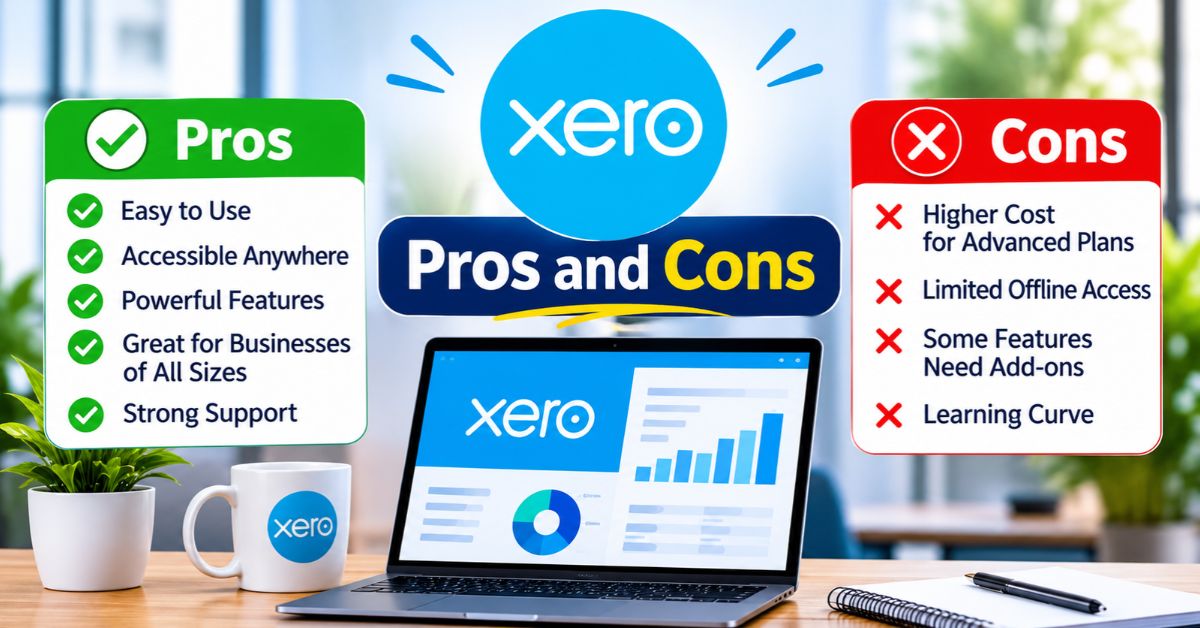
The platform shines in automation, mobile access, and flexibility. Bank feeds and reconciliation cut manual entry. The app ecosystem lets you add tools as you grow. Collaboration is strong, since accountants and bookkeepers can work in the same file. Many owners also like the clean layout, which makes reports easy to read without a finance degree. Reports update as you work.
No platform fits everyone. The lower tiers cap invoices and bills, so busy sellers may outgrow them fast. Add-on apps can raise your monthly total. Complex inventory or manufacturing needs may call for a fuller ERP system. And although JAX helps, you still need basic bookkeeping knowledge to catch mistakes. Weigh these limits against your real workload before you commit.
| Area | Strength | Watch-out |
|---|---|---|
| Automation | Bank feeds and AI matching reduce typing | Unusual transactions still need review |
| Integrations | 1,000+ apps link to your books | Add-ons can increase total cost |
| Plans | Three tiers fit different stages | Early plan has invoice and bill caps |
| AI | JAX answers questions in plain language | Output needs a human check |
The Company Behind Xero
Xero Limited is a publicly traded technology company listed on the Australian Securities Exchange under the ticker ASX: XRO. Sukhinder Singh Cassidy serves as CEO. Public reporting gives customers more transparency than many private software vendors offer. Investors and users can review the company’s results, strategy, and risks in regular filings. That matters when you trust a vendor with your financial data.
The company has also grown through big moves. It acquired the payments platform Melio for $2.5 billion, which strengthens its bill pay and payments offering in the U.S. It also works with Gusto to power U.S. payroll. For you, these deals signal a push to cover more of the money workflow in one place, though features can change over time.
Conclusion
Xero gives small businesses a fast, flexible way to manage invoicing, payments, and bank reconciliation in the cloud. Its AI assistant JAX, mobile app, and 1,000-plus integrations help you work smarter, while three clear tiers let you start small and scale. Test Xero with a free trial, connect your bank, and see whether it fits your workflow before you commit.
Your next step is simple. Review your monthly invoice volume, list the apps you already use, and compare them with the plan tiers above. Then book a short call with your accountant, since they may already work in Xero. A small test run with real data will tell you more than any review, including this one. Start small, then scale as you grow.