
Your phone can do far more than most of us use it for. That gap is where Tech On Dicas comes in. The Brazilian tech portal publishes short, practical tutorials on WhatsApp, Wi-Fi, iPhone, Android, and TV connections. Many of its tips spread through TikTok and Instagram. This guide explains what the site covers, which tricks are worth trying, and how to use them safely.
Dicas means “tips” in Portuguese, so the name fits. Most content is written in Portuguese, but the ideas apply to any phone, anywhere. You will find step-by-step help here for privacy settings, signal problems, hidden features, and old TVs. We are not affiliated with the site. Menu names below may differ slightly by device and software version, so check your own settings.
What Is Tech On Dicas?
Tech On Dicas is a Portuguese-language technology portal built around everyday problems. It focuses on tutorials, guides and quick tips for smartphones, connectivity and entertainment. The tone is practical rather than technical. Posts usually show one fix, one setting, or one app, and then move on. That format suits busy readers who want a result in five minutes, not a lecture on how networks work.
The site is also known for device optimization tricks and app configuration guides. Many of those guides go viral on social media because they solve small, annoying problems fast. Think of it as a friendly neighbor who knows every hidden menu on your phone. For U.S. readers, the value is in the ideas. You can adapt most of them to English-language devices with little effort.
What the site covers
| Category | Typical topics | Best for |
|---|---|---|
| WhatsApp and privacy | Silencing unknown callers, WhatsApp Web, audio transfers | Anyone tired of spam calls |
| Internet optimization | Wi-Fi testing, signal stability, speed apps | Homes with dropouts |
| iOS and Android tips | Back Tap, offline maps, safety tools | Everyday phone users |
| Entertainment | Connecting a phone to an older TV | Owners of non-smart TVs |
WhatsApp Tricks and Privacy Settings

WhatsApp tips are a core part of Tech On Dicas content. Popular topics include silencing calls from unknown numbers, managing who sees your information, using WhatsApp Web in a browser, and moving audio messages between apps. These are small changes, but they cut spam and protect your time. Privacy settings deserve a review every few months, because apps add new options often.
Here is how to silence unknown callers:
- Open WhatsApp and go to Settings.
- Tap Privacy, then Calls.
- Turn on Silence unknown callers.
- Review “Last seen” and profile photo visibility while you are there.
WhatsApp Web lets you chat from a computer without installing anything. Visit the official WhatsApp Web page, then scan the QR code from your phone’s linked devices menu. Always sign out on shared computers. Treat any QR code from a stranger as a risk, since scanning the wrong one can expose your chats. Good privacy habits matter more than any single trick.
How to Fix Wi-Fi Drops and Slow Loading
Wi-Fi problems frustrate everyone. The portal publishes step-by-step guides and app recommendations to test and stabilize home Wi-Fi, so pages stop freezing mid-load. The first step is always measuring. Run a speed test near the router, then again in the room where problems happen. If the numbers drop sharply, distance or interference is the likely culprit. That one comparison tells you whether the problem is your plan or your layout.
Try this quick checklist before buying new gear:
- Restart your router and modem.
- Move the router to a central, elevated spot.
- Keep it away from microwaves, thick walls, and metal shelves.
- Use the 5 GHz band for devices close to the router.
- Update the router’s firmware.
- Disconnect devices you no longer use.
Free Wi-Fi analyzer apps can show which channels nearby networks use. If your neighbors crowd the same channel, switching channels can help. A mesh system or extender may solve dead zones in larger homes. Be careful with apps that promise to boost your signal magically. No app can make your internet plan faster. It can only reveal and reduce the problems inside your home.
Hidden iPhone and Android Features
Hidden features are the heart of Tech On Dicas smartphone content. A great iPhone example is Back Tap (called “Tocar Atrás” in Portuguese), which turns a double or triple tap on the back of the phone into a shortcut. Find it under Settings, Accessibility, Touch, then Back Tap. You can launch the camera, take a screenshot, or open the flashlight. It works on iPhone 8 and later.
Google Maps offline maps help on both iPhone and Android. Download your destination on Wi-Fi, and navigation still works with weak or no signal. Tap your profile picture, choose Offline maps, then select your own map. This saves mobile data abroad and helps on road trips through dead zones. Pair it with built-in safety tools, such as emergency contacts and location sharing.
iPhone vs. Android at a glance
| Feature | iPhone | Android |
|---|---|---|
| Quick shortcut | Back Tap (Settings, Accessibility, Touch) | Quick Tap on some Pixel phones; varies by brand |
| Offline maps | Google Maps or Apple Maps | Google Maps |
| Emergency help | Emergency SOS | Emergency SOS on many phones |
Connecting an Older TV to Your Phone
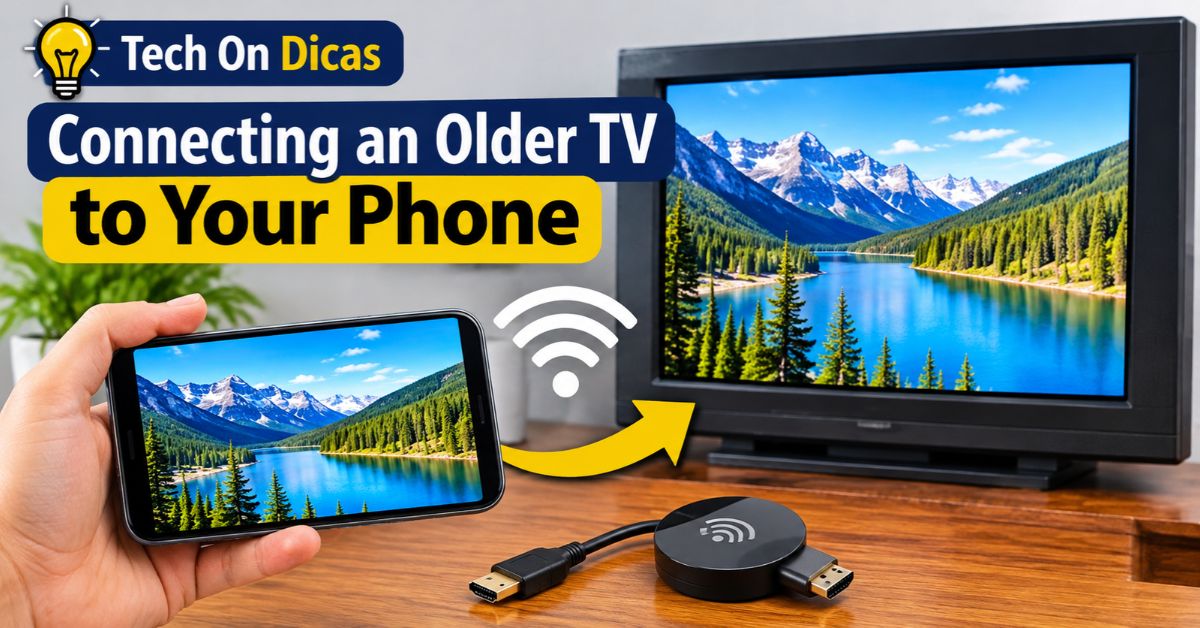
The site also teaches readers to link a phone to an older television with a USB cable and utility apps, adding Smart TV functions like YouTube and streaming. Results depend on your TV and phone. Many older TVs only play photos and videos stored on a USB drive, not live screen mirroring. Read your TV manual before buying cables or apps.
Start with the simplest option. An HDMI port plus a compatible adapter usually gives the most reliable mirroring. If your TV lacks HDMI, a streaming stick or box can add Smart TV features cheaply. Download apps only from official stores, and skip anything that asks for unusual permissions. A cheap cable that promises magic Smart TV upgrades is a red flag worth ignoring.
Your main options:
- HDMI adapter: the most reliable way to mirror your screen.
- Streaming stick or box: adds YouTube and streaming apps.
- USB drive: plays stored photos and videos.
- Casting: needs a compatible TV and Wi-Fi.
How to Check a Tech Tip Before You Try It
Viral tips are fun, but not all are safe. Before changing a setting, ask three questions. Who published this? Does it match what your phone’s official support page says? Could it expose your data? Tech On Dicas works best as a starting point. Confirm important steps, especially privacy and security ones, with Apple, Google, or WhatsApp help pages before you rely on them.
Back up your phone before testing anything new. Write down the original setting so you can reverse it. Test one change at a time, then wait a day to see the effect. Never share verification codes, no matter who asks. These habits protect you far better than any shortcut, and they turn random tricks into reliable skills you can trust.
Conclusion
Tech On Dicas shows that small settings can solve big annoyances. In this guide, you learned what the portal covers and how to silence unknown WhatsApp callers. You also saw how to steady a shaky Wi-Fi connection, unlock hidden iPhone and Android features, and connect an older TV to your phone. Each tip is simple on its own, but together they save real time and frustration every week.
Try one tip at a time, and verify anything involving privacy or security with official sources from Apple, Google, or WhatsApp. Back up your phone first, and note your original settings so you can undo changes. Follow those habits, and Tech On Dicas becomes more than a source of viral tricks. It becomes a practical shortcut to smarter, safer everyday tech, whatever phone or router you own.